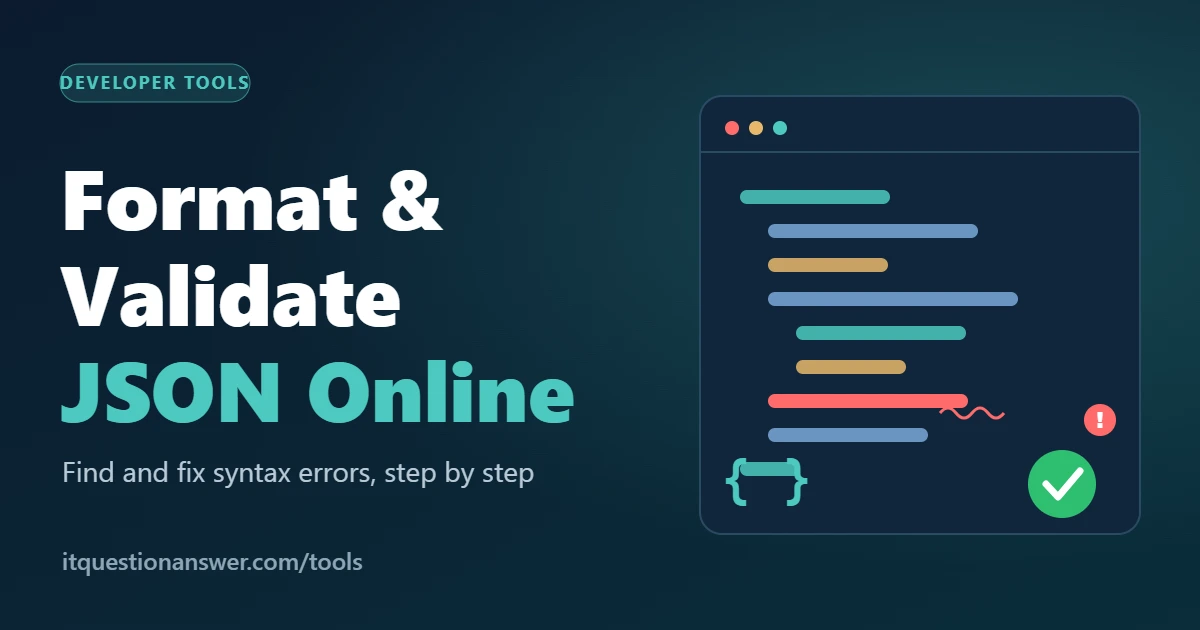
How to Format and Validate JSON Online
You paste an API response into your app, press run, and get one line of red text: “Unexpected token.” No clear location, just a wall of squashed data. If you’ve been there, you know how much time a single missing character can swallow.
Most JSON problems come from the same handful of mistakes. Once you know them, you can format and validate JSON online in about a minute and get back to real work. This guide covers what validation checks, the errors I see most, and a routine you can repeat every time.
What a JSON Validator Actually Checks
JSON looks relaxed, but its rules are strict. Keys must be text inside double quotes. Values can be text, numbers, true, false, null, a list or another object. That’s the whole menu.
A validator reads your text from the first character to the last and checks it against those rules. It doesn’t judge whether the data makes sense for your business. It asks one question: can a parser read this? If a single character breaks the rules, the whole document fails, because a parser can’t guess what you meant.
A formatter does a different job. It takes valid JSON and adds line breaks and indentation so a person can read it. Most online tools do both, so you can validate JSON online and tidy it in the same step.
Why Readable JSON Gets Fixed Faster
Raw API output often arrives as one long line, and a missing bracket hides easily in that. Once the text is spread across indented levels, the structure becomes visible. A bracket that closes at the wrong depth stands out.
Error messages depend on layout too. A note such as “line 14, column 9” is useless on a single-line file and very useful on a formatted one.
Here’s a habit worth building. The position in an error message tells you where the parser got confused, not always where you made the mistake. The real culprit is usually on the line just before it.
Common JSON Syntax Errors and How to Fix Them
Most broken files fail for one of six reasons. Learn these and you’ll solve nearly every error message you meet.
Trailing commas
This one tops the list. You delete the last item in a list and leave the comma behind it. Many programming languages forgive that, but JSON doesn’t. The fix is simple: no comma after the final item in any list or object.
Single quotes
Text and keys must use double quotes. Single quotes look fine to the eye, and many code editors accept them, yet a JSON parser rejects them. Replace each pair with double quotes.
Unquoted keys
Writing a key as plain text, with no quotes around it, is valid in some programming languages but not in JSON. Every key needs double quotes, with no exceptions.
Missing or extra brackets
Every opening curly brace or square bracket needs a partner. In long files the nesting gets deep, and one closing bracket goes missing. After formatting, scan down the left edge. If the indentation doesn’t return to the starting position at the end, a bracket is missing somewhere above.
Comments
People love adding notes to configuration files. JSON has no comment syntax, so a note written with slashes or a hash symbol makes the file invalid. Remove it, or store the note as an ordinary text value under a key such as “note”.
Bad values and unescaped characters
Words like undefined aren’t valid values. Use null, or leave the key out. Numbers can’t start with extra zeros. A text value also can’t contain a raw line break or a lone backslash. Windows file paths cause this often, since each backslash must be doubled.
How to Validate JSON Online, Step by Step
Here’s the routine I’d give any junior developer or analyst. It takes about a minute.
Copy the raw text exactly as you received it. Don’t retype it.
Paste it into a formatter and validator, such as the free JSON Formatter & Validator.
Run the validation. If it passes, you’ll see clean, indented output and you’re done.
If it fails, read the line and column number. Look at that line and the one above it.
Fix one error, then validate again.
Step five matters more than it sounds. Parsers stop at the first problem, so the second error stays invisible until you clear the first. A file with five mistakes can need five rounds. That’s normal.
A Short Scenario
Here’s a hypothetical case. A small team keeps its app settings in a hand-edited JSON file. A founder asks a developer to add a new feature flag. The developer copies a line from a code snippet, and it brings single quotes along. The app refuses to start and reports an unexpected token.
I have seen teams lose an afternoon scrolling through a few hundred lines for a problem like this. With a formatter, the validator flags the exact line in seconds, and the quote style is obvious. The fix takes less time than the meeting about it.
When Valid JSON Still Fails
Passing validation means the syntax is correct. It doesn’t mean the data is right. A file can be perfectly valid and still break your app because a field name has a typo, a number is wrapped in quotes so it reads as text, or a required key is missing.
When the validator is happy and the app isn’t, compare the file with what the receiving system expects. Check field names letter by letter, then check data types. Keep a known-good copy of the file so you have something to compare against. This second step is the one beginners skip, and it explains many “but it validated fine” conversations.
Practical Takeaways: The Quotes, Commas, Brackets Check
After years of reading other people’s broken files, I’ve settled on a three-pass check. It follows how often each mistake appears.
Quotes: every key and text value uses double quotes, and no stray quote sits inside a value.
Commas: one between items, none after the last item.
Brackets: every opener has a closer at the matching depth.
One mistake I keep noticing is people fixing the data when the structure is the problem. They change values, rerun, and wonder why nothing improves. Check the structure first. Content comes second.
Also, before you paste anything into any online tool, remove passwords, API keys and customer details. Replace them with dummy values until you know exactly how a tool handles your input.
Final Thoughts
JSON errors feel personal when you’re staring at one, but they’re rarely clever. Nearly always it’s a comma, a quote or a bracket. Format before you hunt, check those three, and fix one error at a time.
Next time a payload refuses to load, paste it into the free JSON Formatter & Validator and let it point you to the line. You’ll be back to work in a minute.
Advertisement