AI Coding Assistants in 2026: Benefits, Limitations and Best Practices for Developers
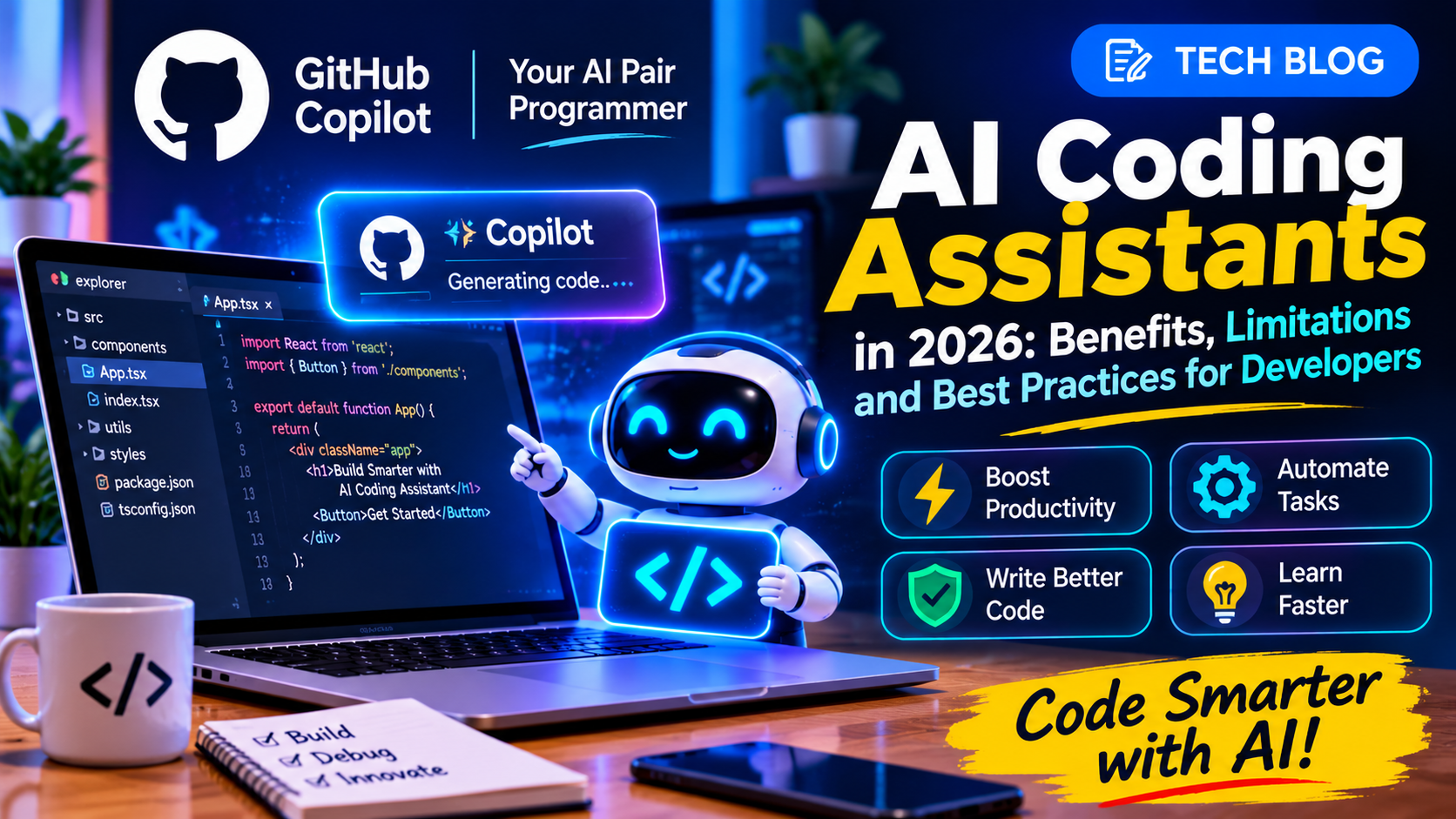
AI Coding Assistants in 2026: Benefits, Limitations and Best Practices for Developers
Software development is changing as artificial intelligence becomes part of everyday coding workflows. Developers can now use AI assistants to explain unfamiliar code, suggest fixes, generate tests and help plan larger programming tasks.
Recent tools are also moving beyond simple code completion. Systems that coordinate multiple AI models aim to select suitable tools for different tasks and balance output quality with time and computing costs.
But using AI in software development successfully requires more than writing a prompt and accepting the answer.
What Is an AI Coding Assistant?
An AI coding assistant is a tool that helps developers with programming-related tasks. Depending on its features, it may suggest code while a developer types, answer questions about a codebase, identify possible bugs or assist with test generation.
Some tools work primarily with the code currently open in an editor. More advanced systems can support multi-step tasks and coordinate different models or tools.
Their capabilities vary, so developers should check what a particular product actually supports.
How Can AI Help Developers?
1. Writing Repetitive Code
AI can draft common functions, interfaces, validation logic and boilerplate code. Developers can then review and adapt the result to match the project's architecture.
2. Understanding Existing Projects
When working with an unfamiliar codebase, developers can ask AI to explain functions, describe data flow or identify where a particular feature may be implemented. The explanation should still be checked against the actual source code.
3. Debugging and Error Analysis
AI can help interpret error messages and suggest possible causes. It may speed up troubleshooting, but it can also propose fixes that address the symptom instead of the underlying problem.
4. Creating Tests
AI can draft unit tests, edge cases and test data. Developers must verify that these tests check the intended behaviour rather than simply confirming that the generated code runs.
5. Learning New Technologies
Beginners can use AI to explain programming concepts, compare implementation approaches and create small practice examples. Learning improves when they also run the code, modify it and understand why it works.
Why Are AI Coding Costs Important?
AI tools may charge based on usage or the amount of text processed, often measured in tokens. Large requests, repeated attempts and multi-step agent workflows can increase costs.
Model-selection and orchestration systems aim to choose suitable models for different tasks rather than always using the most expensive option. Whether this saves money depends on the workload, service pricing and quality of the final result.
Developers should measure both the cost of AI usage and the time needed to review, test and maintain its output.
What Are the Limitations?
AI-generated code may contain bugs, outdated patterns, insecure assumptions or dependencies that do not exist. A tool can also misunderstand a project's requirements or produce a solution that works for a simple example but fails in production.
Developers remain responsible for checking correctness, performance, accessibility, security and maintainability.
Confidential source code and credentials should not be shared with AI services unless the organisation has approved the tool and understands its data-handling policies.
Best Practices for Using AI in Coding
Give the assistant a clear task and relevant technical context.
Ask for small, reviewable changes instead of accepting a large rewrite immediately.
Read the generated code before merging it.
Run automated tests, linting and type checks.
Review authentication, authorisation and input validation carefully.
Never expose passwords, API keys or private customer data in prompts.
Use version control so changes can be inspected and reverted.
Measure whether AI is genuinely improving the team's results.
These practices help developers use AI as a productivity tool without giving up engineering discipline.
Will AI Replace Software Developers?
AI can automate parts of programming, but building reliable software involves more than generating code. Developers still need to understand user needs, make architectural decisions, investigate complex failures and take responsibility for the systems they release.
The role may continue to evolve towards reviewing AI-generated work, integrating systems, testing assumptions and solving problems that require a strong understanding of the product.
Conclusion
AI coding assistants can help developers work faster, learn new technologies and reduce repetitive effort. Their value depends on how carefully they are used. Clear instructions, code review, automated testing and secure development practices remain essential for producing reliable software in 2026.
Advertisement