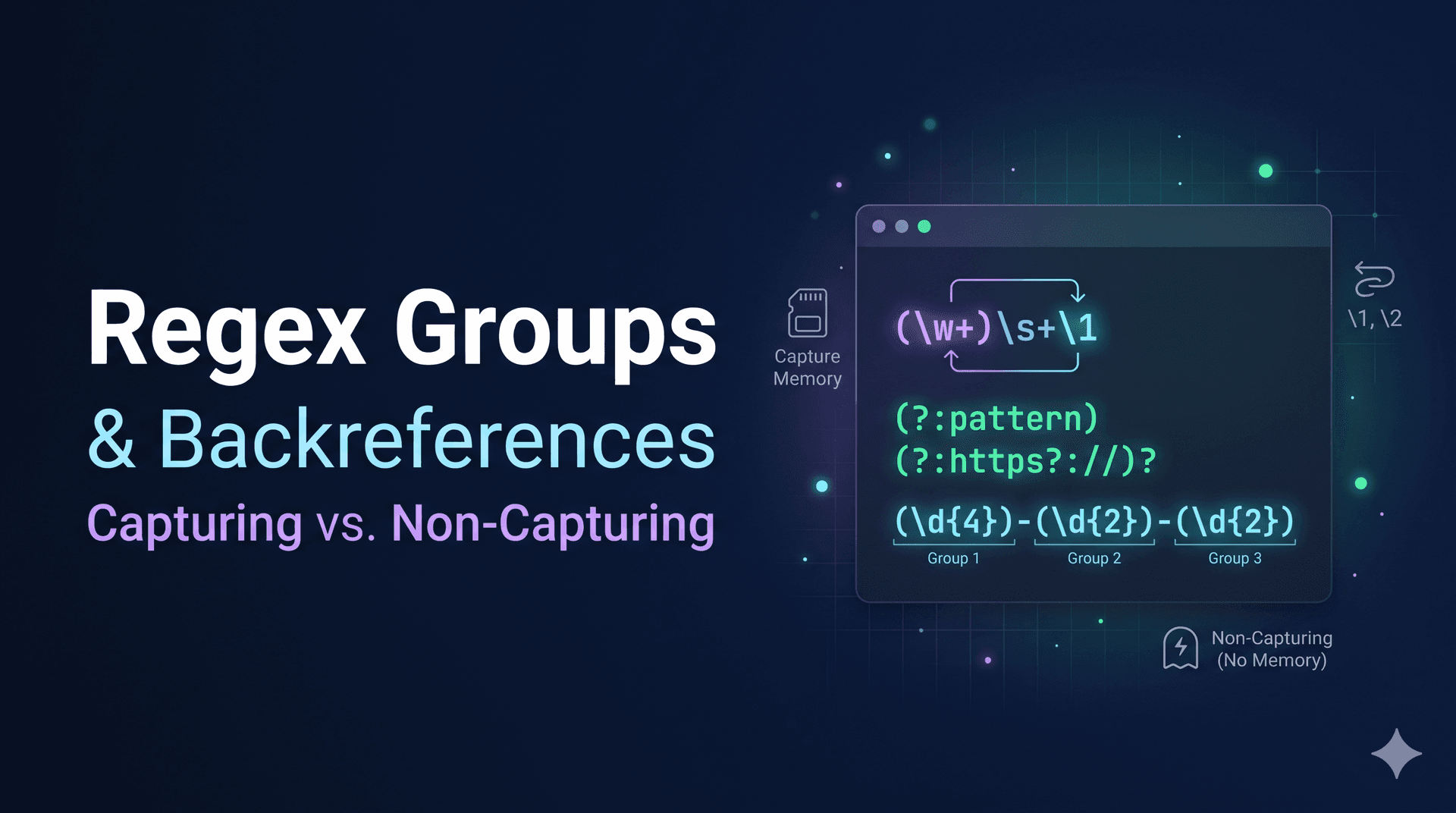
How to Build Regex for Email, Phone Numbers, and URLs: A Beginner's Step-by-Step Guide
Understanding Regular Expressions (Regex) Fundamentals
Regular expressions, often shortened to regex, are a sequence of characters that define a search pattern. They are indispensable for tasks like data validation, search-and-replace operations, and parsing text in programming and data processing. For beginners, the key is to understand the building blocks: metacharacters, quantifiers, and anchors. These elements allow you to define patterns that match a wide range of text strings, from simple words to complex data structures like email addresses, phone numbers, and URLs.
Core Regex Metacharacters
To begin, familiarize yourself with these fundamental metacharacters:
| Character | Description | Example |
|---|---|---|
. |
Matches any single character (except newline). | a.b matches "acb", "axb" |
* |
Matches zero or more occurrences of the preceding character/group. | ab*c matches "ac", "abc", "abbc" |
+ |
Matches one or more occurrences of the preceding character/group. | ab+c matches "abc", "abbc" (but not "ac") |
? |
Matches zero or one occurrence of the preceding character/group (optional). | ab?c matches "ac", "abc" |
[] |
Matches any one of the characters inside the brackets. | [aeiou] matches any vowel |
() |
Groups characters and creates a capturing group. | (ab)+ matches "ab", "abab" |
| |
Acts as an OR operator. | cat|dog matches "cat" or "dog" |
^ |
Matches the start of a string. | ^hello matches "hello world" |
$ |
Matches the end of a string. | world$ matches "hello world" |
\d |
Matches any digit (0-9). Equivalent to [0-9]. |
\d{3} matches "123" |
\w |
Matches any word character (alphanumeric and underscore). Equivalent to [a-zA-Z0-9_]. |
\w+ matches "word" |
\s |
Matches any whitespace character (space, tab, newline). | hello\sworld matches "hello world" |
Crafting Regex for Email Addresses
Email address validation is a common task. While a perfect regex that covers all obscure, technically valid email formats is incredibly complex, a practical regex can cover the vast majority of real-world email addresses effectively. The pattern typically looks for characters before the '@' symbol, the '@' symbol itself, characters for the domain name, and finally, a top-level domain (TLD).
Practical Email Regex Pattern
^[a-zA-Z0-9._%+-]+@[a-zA-Z0-9.-]+\.[a-zA-Z]{2,}$Breakdown of the Email Regex
^: Asserts the start of the string.[a-zA-Z0-9._%+-]+: Matches one or more characters for the username part. This includes lowercase letters (a-z), uppercase letters (A-Z), digits (0-9), and specific symbols such as period (.), underscore (_), percent (%), plus (+), and hyphen (-). The+means at least one of these characters must be present.@: Matches the literal '@' symbol.[a-zA-Z0-9.-]+: Matches one or more characters for the domain name. Similar to the username part, but usually excludes symbols like '%', '+', '_'.\.: Matches a literal period. The backslash\escapes the period, as.usually matches any character.[a-zA-Z]{2,}: Matches the top-level domain (TLD). It looks for at least two alphabetical characters (e.g., "com", "org", "net", "co.uk").$: Asserts the end of the string.
Email Regex Examples
// Valid Emails
user@example.com
firstname.lastname@domain.co.uk
email+tag@sub.domain.org
12345@mail.net

// Invalid Emails
user@.com           // Domain starts with dot
user@example        // No TLD
user@example.c      // TLD too short
@example.com        // No username
user@example..com   // Double dot in domain
Building Regex for Phone Numbers
Phone numbers are notoriously difficult to validate with a single, universal regex due to global variations in formatting (e.g., country codes, varying digit counts, use of spaces, hyphens, parentheses). For beginners, it's often best to target a specific region's common formats or allow for common separators. Here, we'll demonstrate a pattern for common North American phone number formats.
Practical Phone Number Regex Pattern (North American)
^(\(?\d{3}\)?)?[\s.-]?\d{3}[\s.-]?\d{4}$Breakdown of the Phone Number Regex
^: Asserts the start of the string.(\(?\d{3}\)?)?: This is an optional group for the area code.\(?: Matches an optional opening parenthesis.\d{3}: Matches exactly three digits.\)?: Matches an optional closing parenthesis.
(...)is made optional by the final?, allowing numbers without an area code or with an unparenthesized area code.[\s.-]?: Matches an optional space, hyphen, or period as a separator.\d{3}: Matches the next three digits of the phone number.[\s.-]?: Matches another optional separator.\d{4}: Matches the final four digits of the phone number.$: Asserts the end of the string.
Phone Number Regex Examples
// Valid Phone Numbers (North American format)
123-456-7890
(123) 456-7890
123.456.7890
123 456 7890
1234567890

// Invalid Phone Numbers
12-345-67890       // Not enough digits in first group
(123)456-789       // Not enough digits in last group
+1-123-456-7890    // Includes country code (this pattern doesn't account for it)
To include an optional country code, you might extend the pattern:
^(\+?1[\s.-]?)?(\(?\d{3}\)?)?[\s.-]?\d{3}[\s.-]?\d{4}$This adds (\+?1[\s.-]?)? at the beginning to allow for an optional "+1" or "1" followed by a separator.
Developing Regex for URLs
URLs (Uniform Resource Locators) have a defined structure, but like email, a regex that captures all valid URLs perfectly without false positives for common text is challenging. A practical approach validates the common components: scheme (http/https), domain, and optional path/query parameters.
Practical URL Regex Pattern
^(https?|ftp):\/\/([a-zA-Z0-9.-]+\.[a-zA-Z]{2,})(:\d{1,5})?(\/[a-zA-Z0-9-._~:/?#\[\]@!$&'()*+,;%=]*)?$Breakdown of the URL Regex
^: Asserts the start of the string.(https?|ftp):\/\/: Matches the scheme (protocol).https?: Matches "http" or "https" (sis optional).|ftp: Allows "ftp" as an alternative.:\/\/: Matches the literal "://" characters.
([a-zA-Z0-9.-]+\.[a-zA-Z]{2,}): Matches the domain name.[a-zA-Z0-9.-]+: One or more alphanumeric characters, dots, or hyphens for subdomains and main domain parts.\.: Matches a literal dot separator.[a-zA-Z]{2,}: Matches the TLD (at least two alphabetical characters).
(:\d{1,5})?: Optionally matches a port number.:: Literal colon.\d{1,5}: One to five digits for the port number.?: Makes the entire port group optional.
(\/[a-zA-Z0-9-._~:/?#\[\]@!$&'()*+,;%=]*)?: Optionally matches the path, query string, and fragment.\/: Matches the initial path separator.[a-zA-Z0-9-._~:/?#\[\]@!$&'()*+,;%=]*: Matches zero or more characters valid in URL paths, queries, and fragments. This is a broad character set to be flexible.?: Makes the entire path/query/fragment group optional.
$: Asserts the end of the string.
URL Regex Examples
// Valid URLs
https://www.example.com
http://example.org/path/to/page?id=123
ftp://ftp.server.net/file.txt
https://sub.domain.co.uk:8080/another-path#section
http://localhost/

// Invalid URLs
www.example.com         // Missing scheme
http://.com             // Invalid domain part
http://example          // Missing TLD
http://example..com     // Double dot in domain
Best Practices and Testing Your Regex
When working with regex, especially for complex patterns like email, phone numbers, and URLs, a few best practices can save significant time and prevent errors:
- Start Simple: Build your regex incrementally. Test each component before combining them into a larger pattern.
- Use a Regex Tester: Online tools, like the Regex Tester on our site, allow you to input your pattern and test strings instantly. This immediate feedback is invaluable for debugging and refining your regex.
- Balance Strictness and Flexibility: A regex that is too strict might reject valid inputs, while one that's too lenient might accept invalid ones. Find a balance that meets your specific validation needs without over-engineering.
- Be Mindful of Greediness: Quantifiers like
*and+are "greedy" by default, meaning they match the longest possible string. Using*?or+?makes them "non-greedy" (matching the shortest possible string), which can be crucial for certain patterns. - Use Flags: Most regex engines support flags that modify behavior. Common flags include
ifor case-insensitive matching,gfor global matching (find all occurrences), andmfor multi-line matching. - Comment Your Regex (if supported): For highly complex patterns, some regex engines allow you to embed comments, making the pattern easier to understand for others (and your future self).
Key Takeaways
Mastering regular expressions is a valuable skill for any developer or IT learner. By understanding core metacharacters and applying them strategically, you can build powerful patterns to validate and extract critical information like email addresses, phone numbers, and URLs. Remember to start with simpler patterns, test incrementally using a regex tester, and balance the need for strictness with practical flexibility. The examples provided are a solid starting point; adapt them as needed to fit the specific requirements of your projects, always prioritizing clarity and maintainability.
Advertisement