
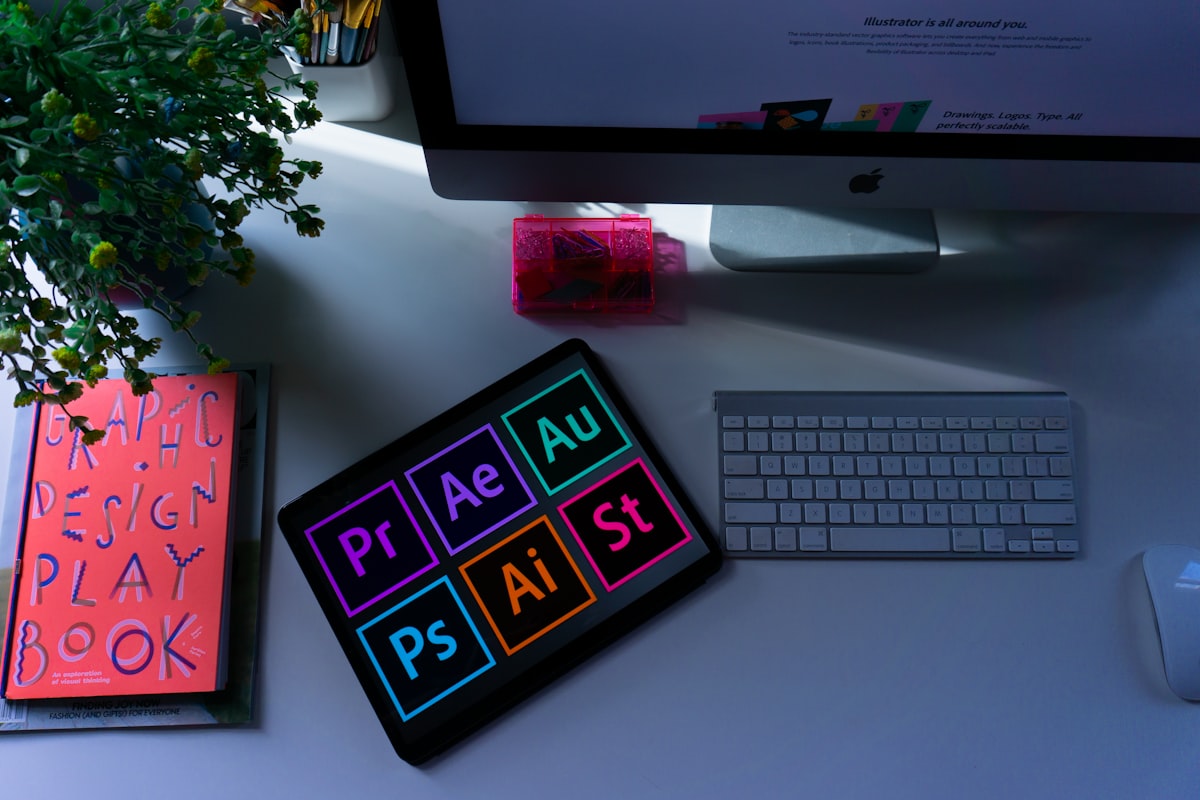
Best Graphic Design Software in 2026
Advertisement
Ad
Top Design Software
From professional suites to beginner-friendly tools, here are the best graphic design programs in 2026.
Professional Tools
- Adobe Photoshop — raster/photo editing king.
- Adobe Illustrator — vector graphics, logos.
- Adobe InDesign — print layouts, magazines.
Free & Beginner-Friendly
- Canva — templates, drag-and-drop, great for non-designers.
- GIMP — free Photoshop alternative.
- Figma — free, great for digital/UI design.
Comparison
| Tool | Best for | Cost |
|---|---|---|
| Photoshop | Photo editing | Paid |
| Illustrator | Vectors/logos | Paid |
| Canva | Quick designs | Free/Paid |
| Figma | UI/digital | Free |
Which Should You Start With?
Beginners: Canva. Professionals: Adobe Creative Cloud (Photoshop + Illustrator).
FAQs
Photoshop or Illustrator?
Photoshop for photos; Illustrator for logos/vectors. More in our Graphics Design guides.
Is Canva enough professionally?
For social/marketing yes; for complex work, learn Adobe tools.