
PDF Tools
Practical guides and comparisons for compressing, merging, splitting and converting PDF files, with step-by-step help for free browser-based tools.
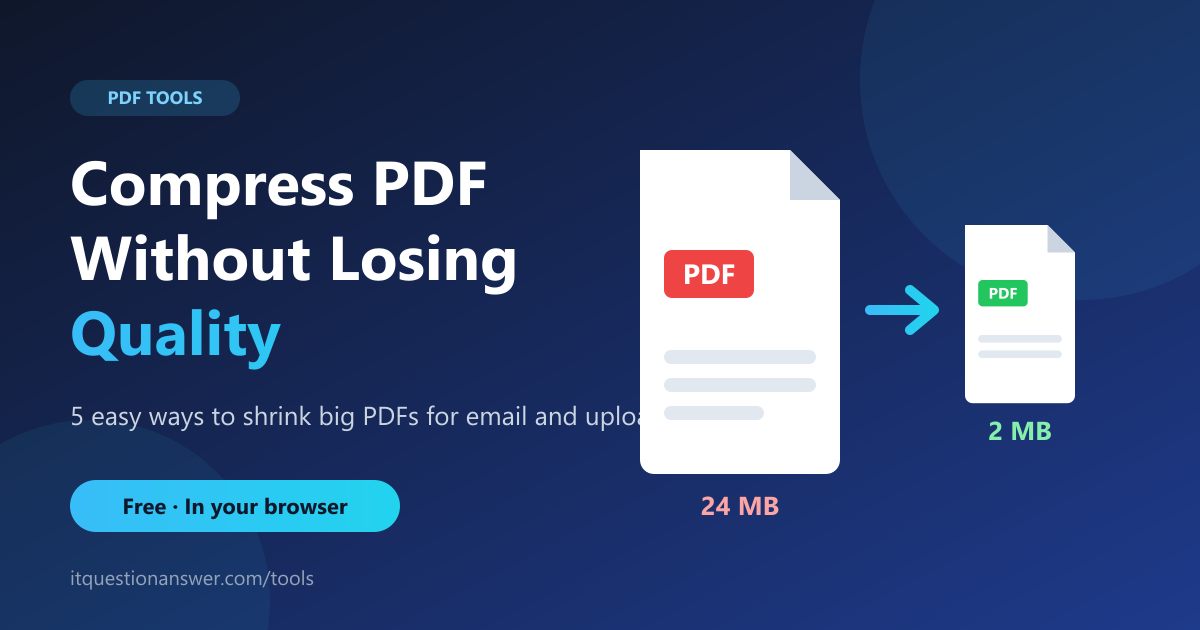
Compress PDF Without Losing Quality: 5 Easy Ways
Learn how to compress a PDF without losing quality, why files get so big, and how to shrink one for email or upload in minutes, free in your browser.
How to Split a PDF Into Separate Files or Extract Pages
Learn how to split a PDF by page ranges, extract single pages or break a large document into smaller files, and keep text and layout intact.
How to Convert PDF to Word Without Losing Formatting
Learn how to convert a PDF to an editable Word document while keeping fonts, tables and images, and what to do with scanned PDFs that need OCR.
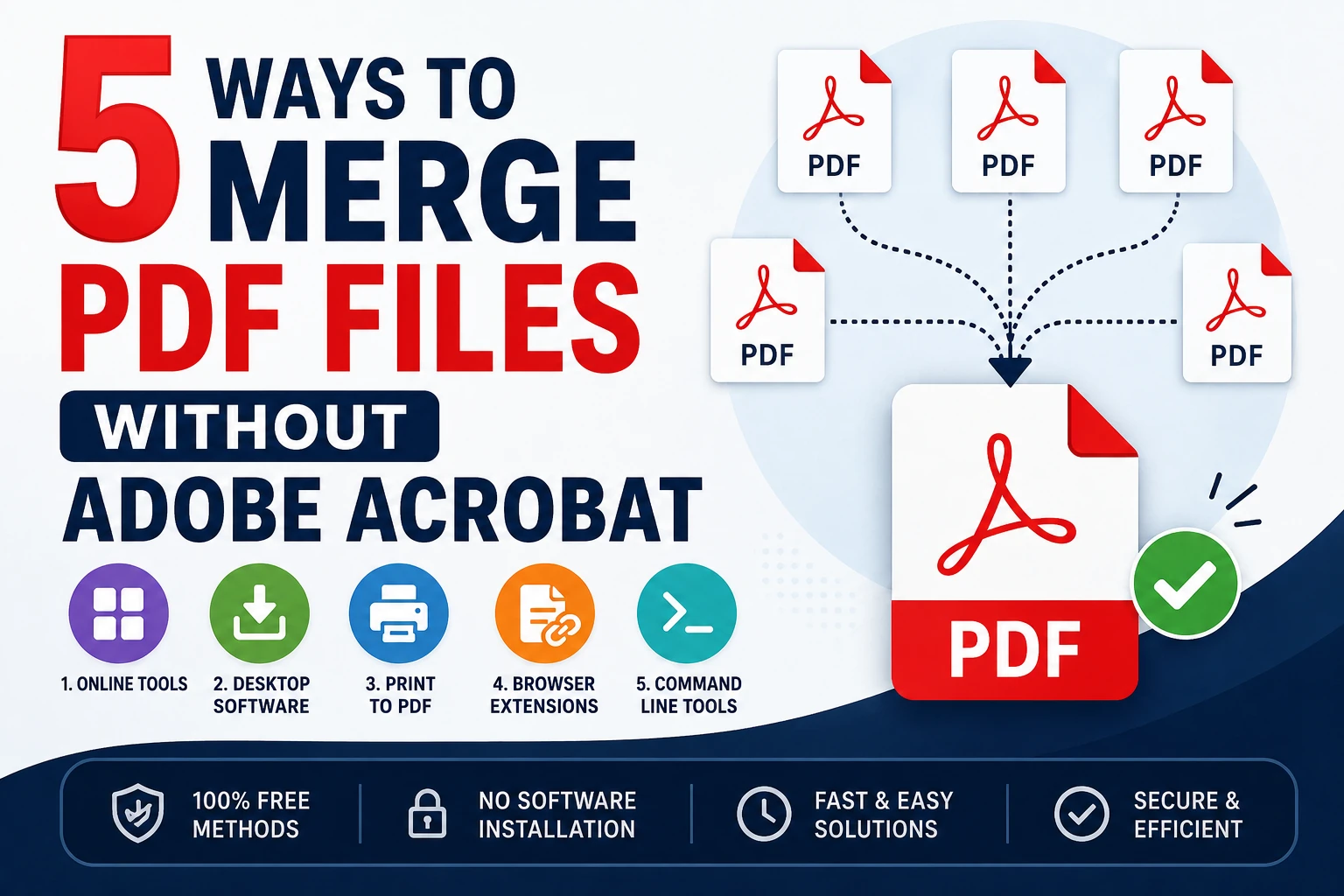
5 Ways to Merge PDF Files Without Adobe Acrobat
You don't need expensive software to combine PDFs. Here are 5 free ways to merge multiple PDF files into one.
About our PDF guides
These guides show how to work with PDF files: compress a large file, merge or split documents, convert PDFs to and from other formats, and keep text readable and quality acceptable while doing it. They explain what each operation changes in the file so you can choose the right option before you start.
The PDF tools linked from each guide run in your browser using client-side code, so documents stay on your device and are not uploaded to our servers. For contracts, IDs or other sensitive files that is the safer way to work, but always keep the original in case the result is not what you need.